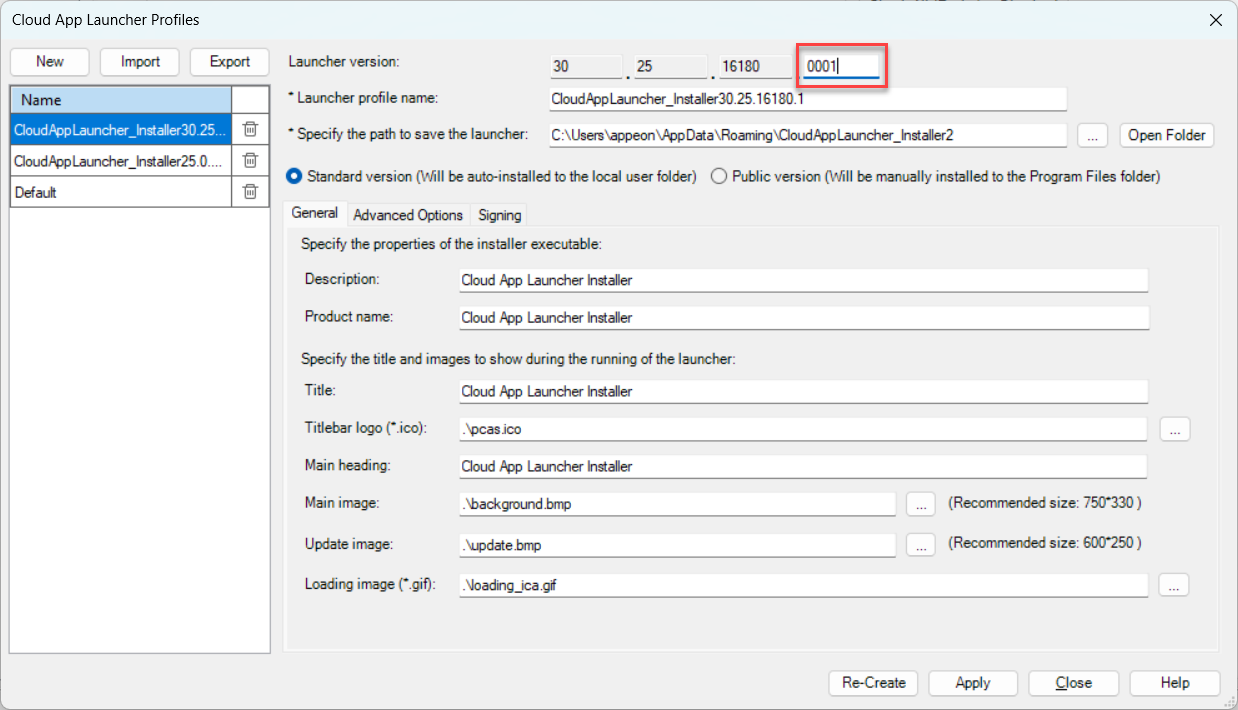
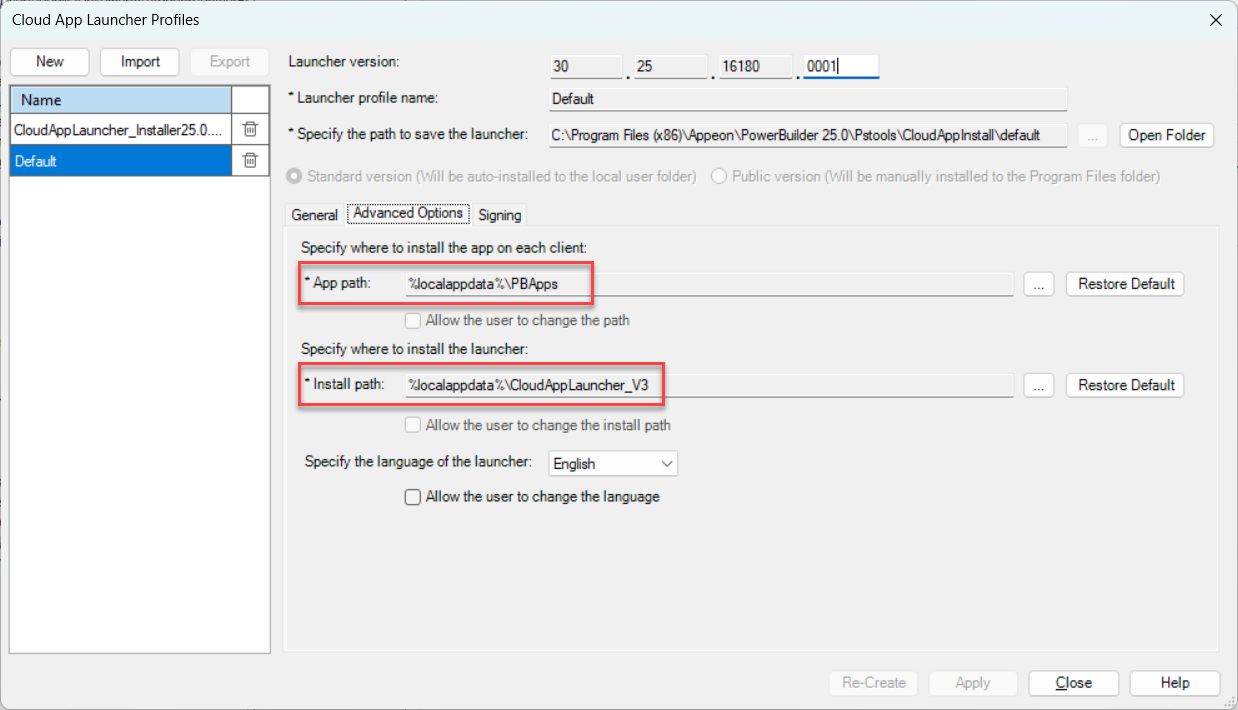
When creating a customized package of the Cloud App Launcher, you can specify the version number now.
To specify the version number, select PowerServer (or PowerClient) menu > Cloud App Launcher Profile menu, and then set the launcher version to a higher value (from 0 to 65535).
You must increment the version number; otherwise the launcher will NOT update. As long as the version number is greater than the previously installed version, the launcher will automatically upgrade to the new version.