Deploy to IIS

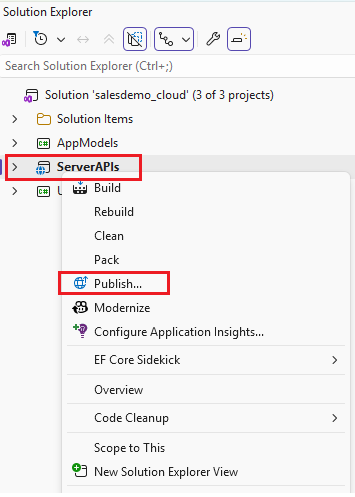
  1. In Solution Explorer, right-click the ServerAPIs project.

  2. Select Publish.

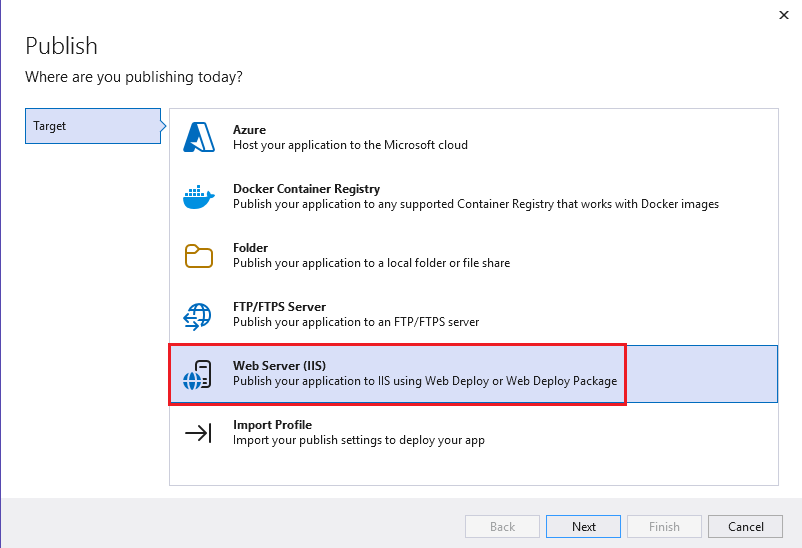
  3. In the Publish Target page, select Web Server (IIS).
  4. In the Specific Target page, select Web Deploy.
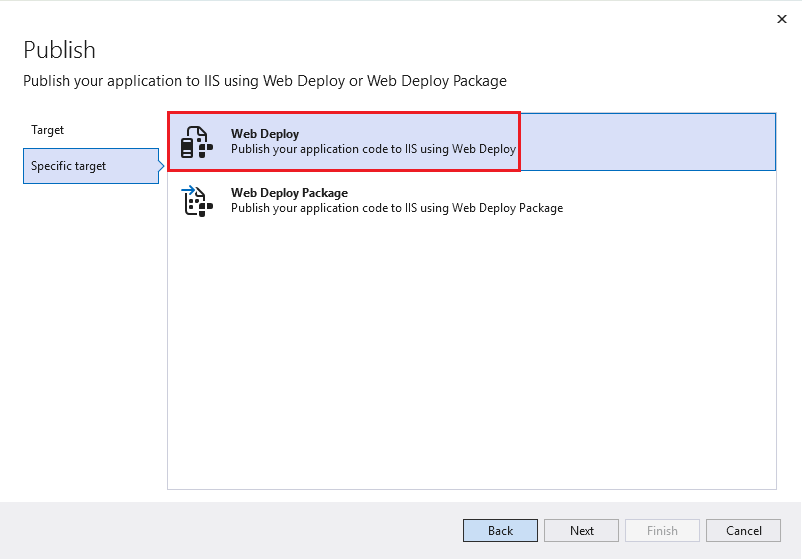
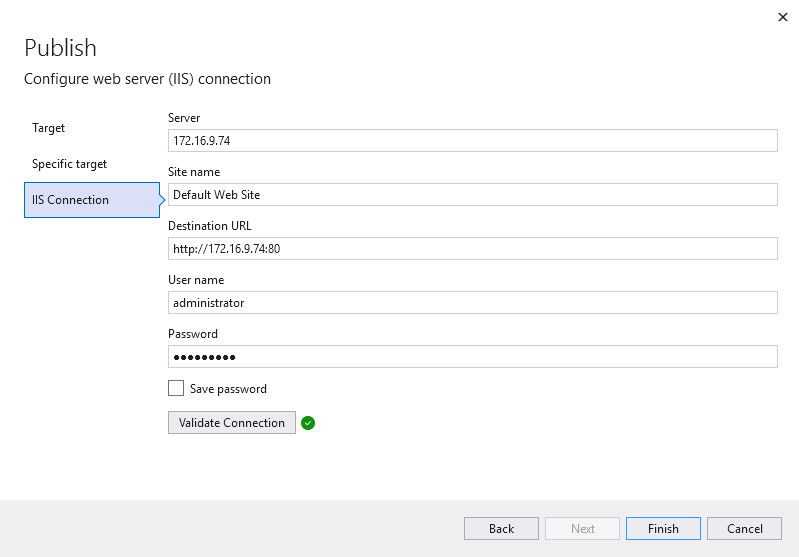
  5. Configure the IIS site information.

  6. Click Publish to start publishing.

Verify the IIS deployment

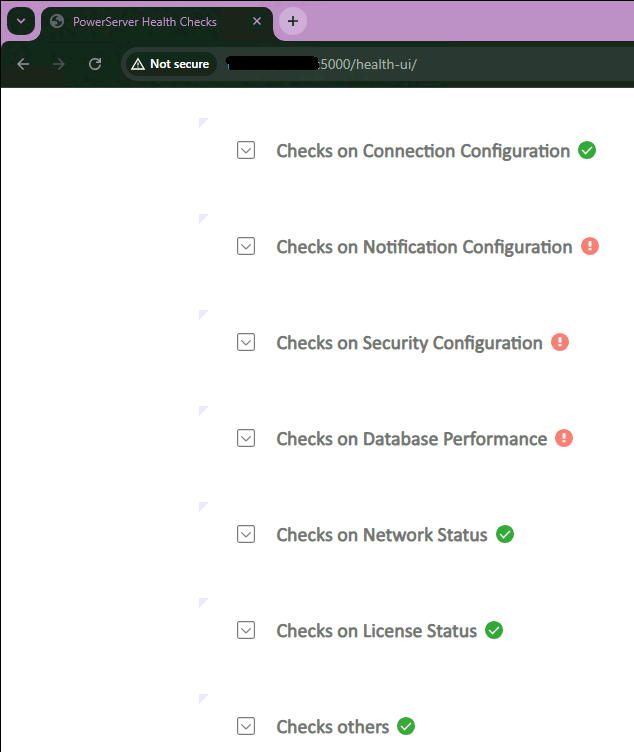
After publishing is complete, access the following URL in a web browser:

http://<ServerIP>/health-ui            

Replace <ServerIP> with the actual IP address of the IIS server.

If the page opens successfully, the Web API service has started successfully.