-
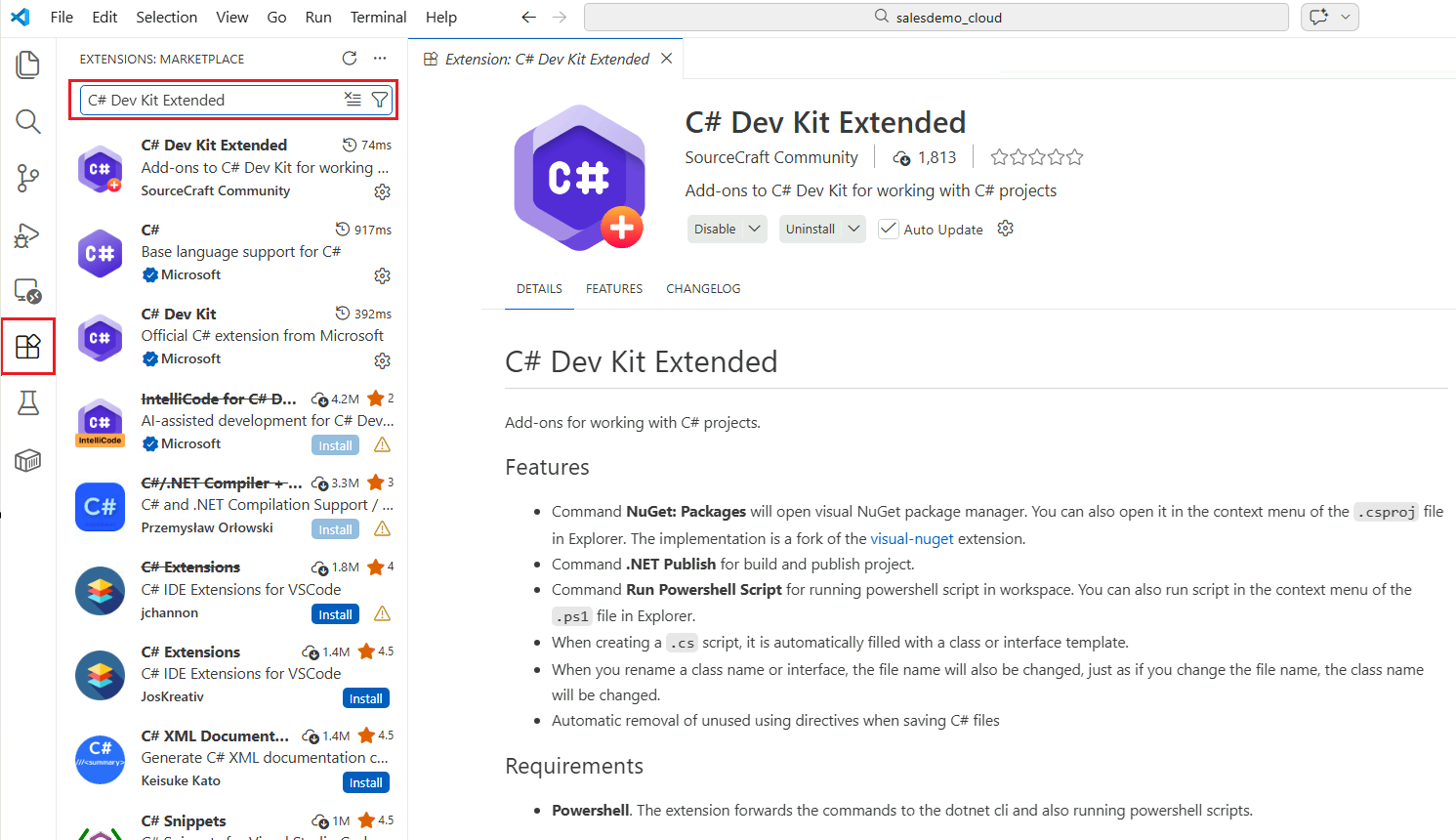
Install the C# Dev Kit Extended extension.
-
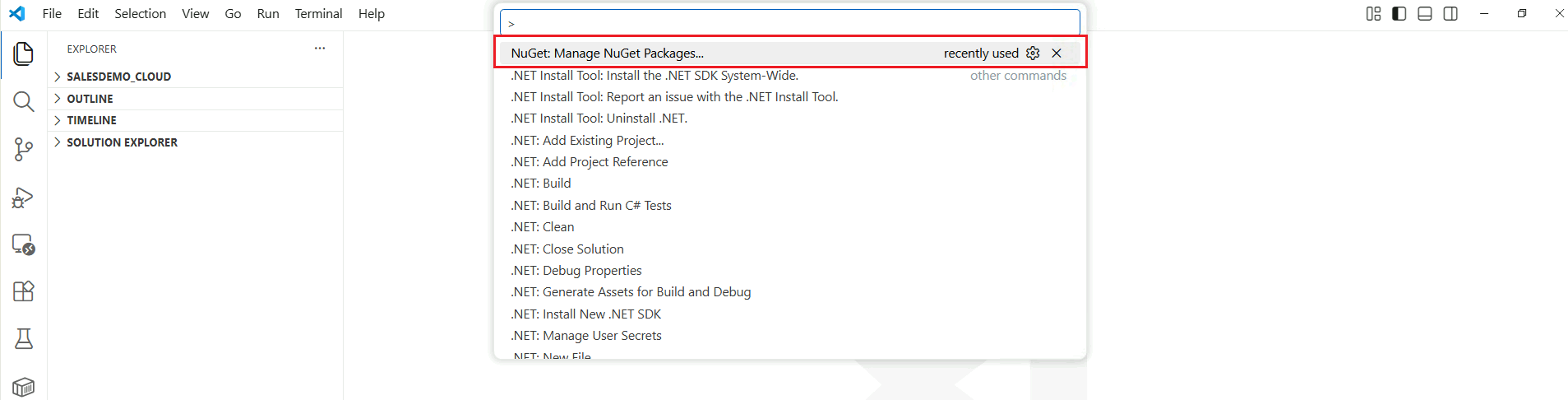
After the extension is installed, press Ctrl + Shift + P and select NuGet: Manage NuGet Packages….
-
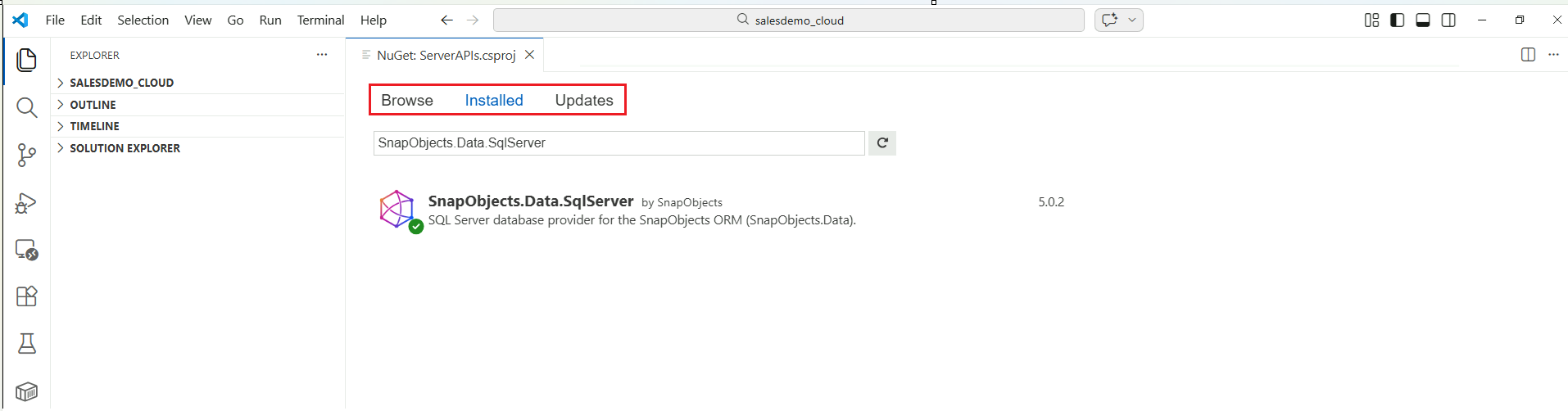
Select the project you want to manage (Figure 1). This will open the visual NuGet management interface (Figure 2), where you can install or update NuGet packages as needed.
Figure 1:
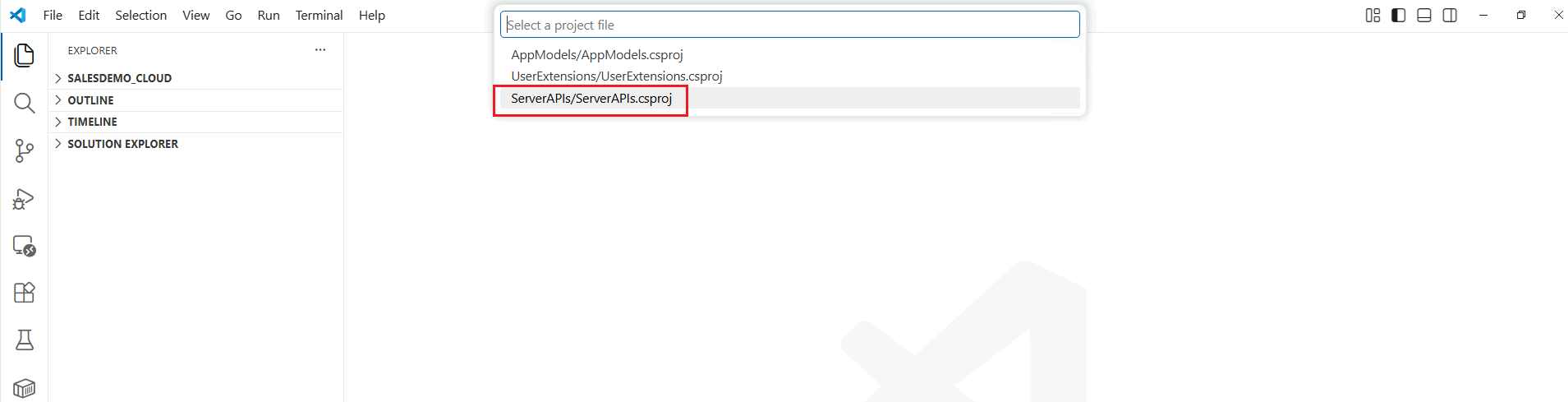
Figure 2:
Official documentation: https://code.visualstudio.com/docs/csharp/package-management.
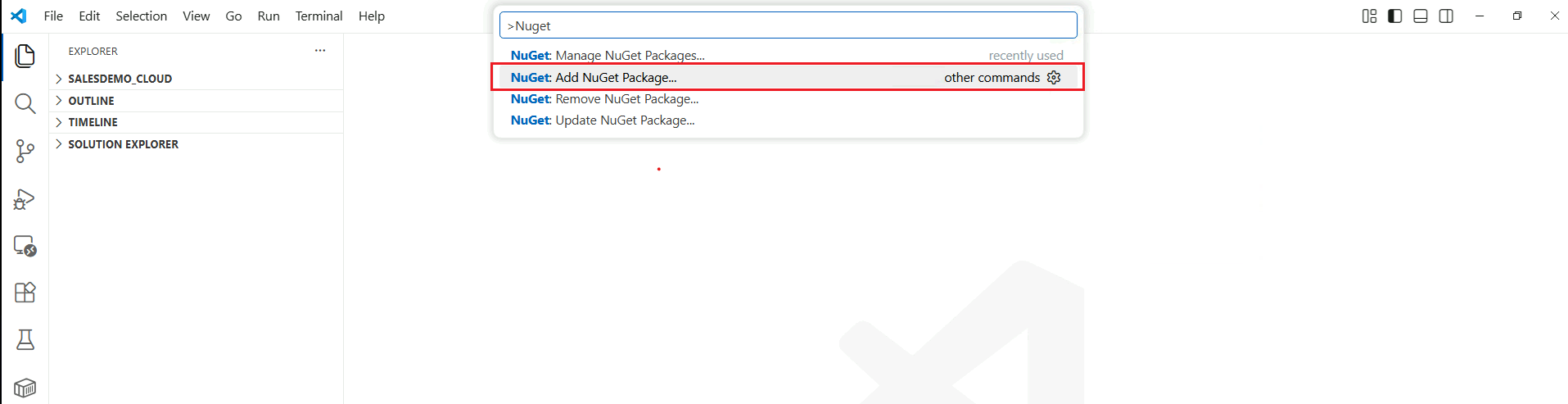
You can press Ctrl + Shift + P and choose different menu options to manage NuGet packages for your project.