

-
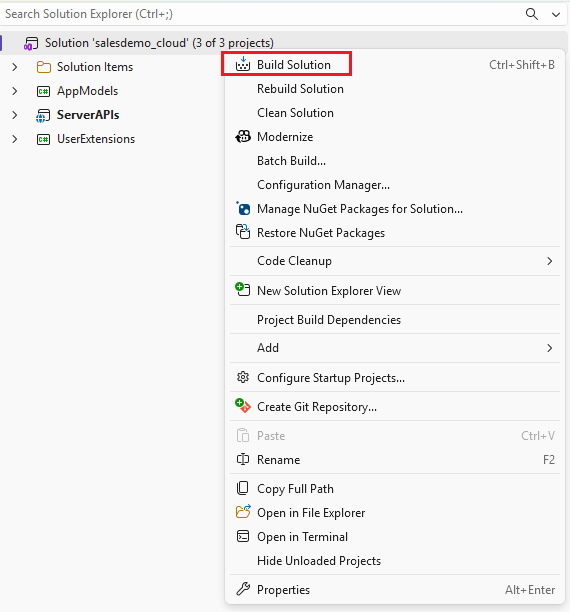
In Solution Explorer, right-click the solution.
-
Select Build Solution.
-
After the build succeeds, run the project using one of the following methods:
-
Press
F5to start in debug mode. -
Press
Ctrl + F5to start without debugging.
-
-
After the Web API starts successfully, access the API endpoints or the health check page in a web browser.
