-
Build the Web APIs
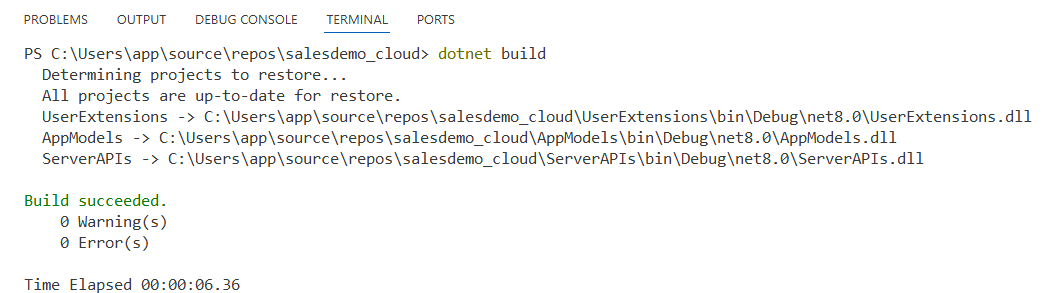
In Visual Studio Code – TERMINAL, run:
dotnet build
-
Run the Web APIs
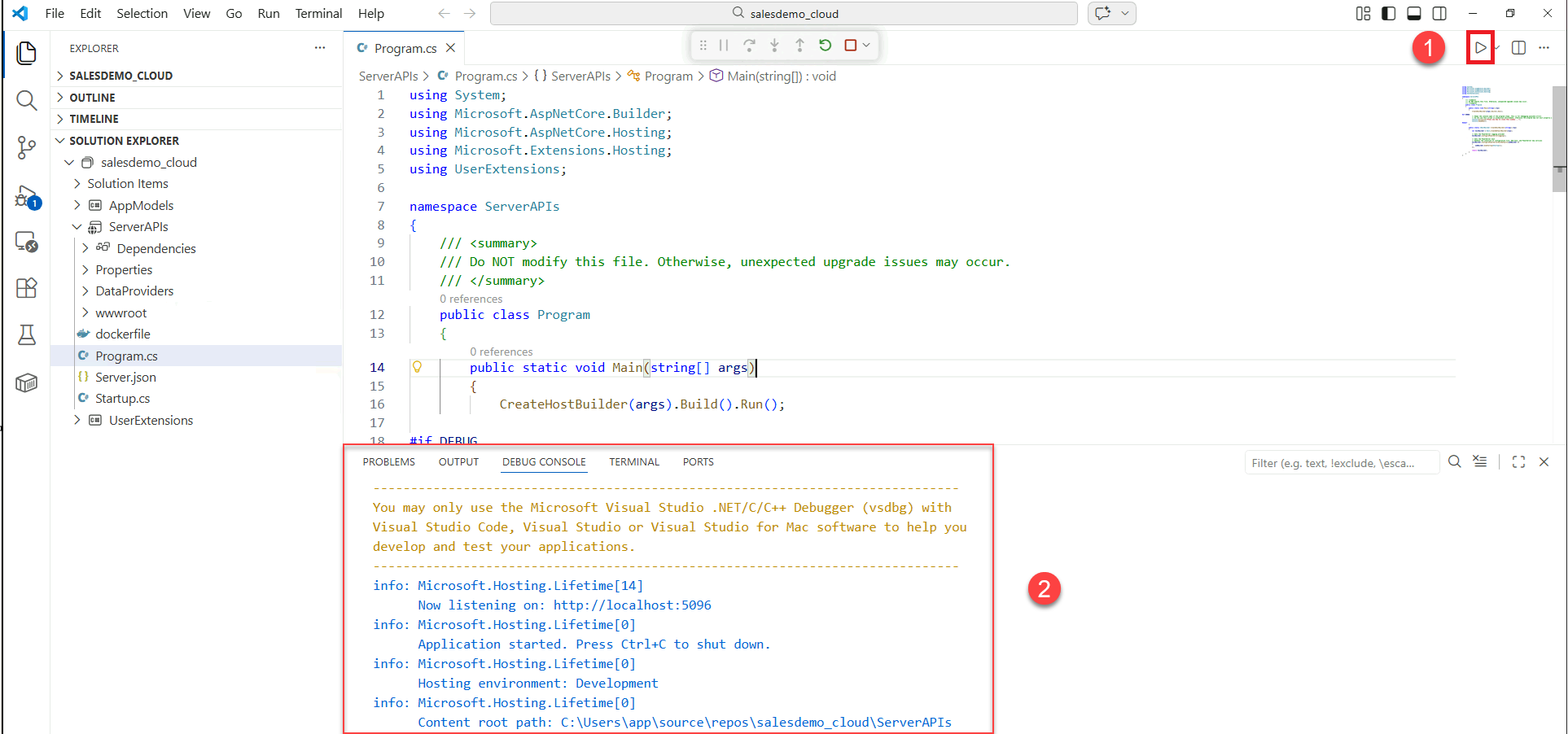
When the service startup information is displayed in DEBUG CONSOLE, it indicates that the Web API has started successfully. You can verify the service status via health-ui, for example, http://localhost:5096/health-ui/.
-
Access the PowerServer installable cloud application
After the service starts, access the PowerServer installable cloud application published by PowerBuilder, for example, http://localhost:5096/salesdemo_cloud.