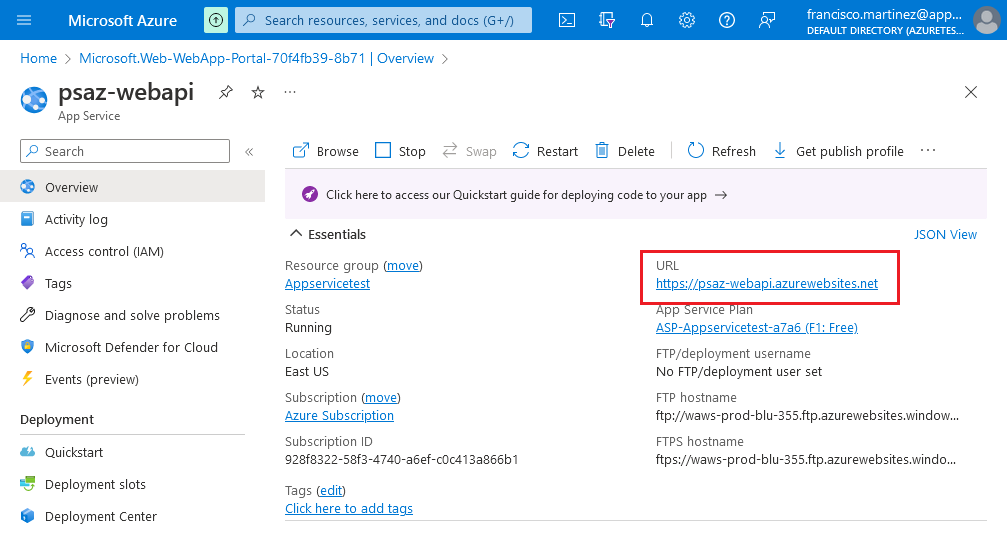
In the Azure portal, create a new App Service resource and configure it according to your target operating system.
PowerServer Web API is built on .NET Core and supports cross-platform deployment. You can choose any .NET versions supported by PowerServer (such as .NET 6, .NET 8, or .NET 10) and an operating system supported by the selected .NET version (such as Windows or Linux), based on your deployment requirements.
The following example uses Windows and .NET 6.
-
Publish: Code
-
Runtime Stack: .NET 6
-
Operating System: Windows
Then click Review + Create and wait for the container to be provisioned.
Open the newly created resource, and in the Overview tab, copy the container’s URL.