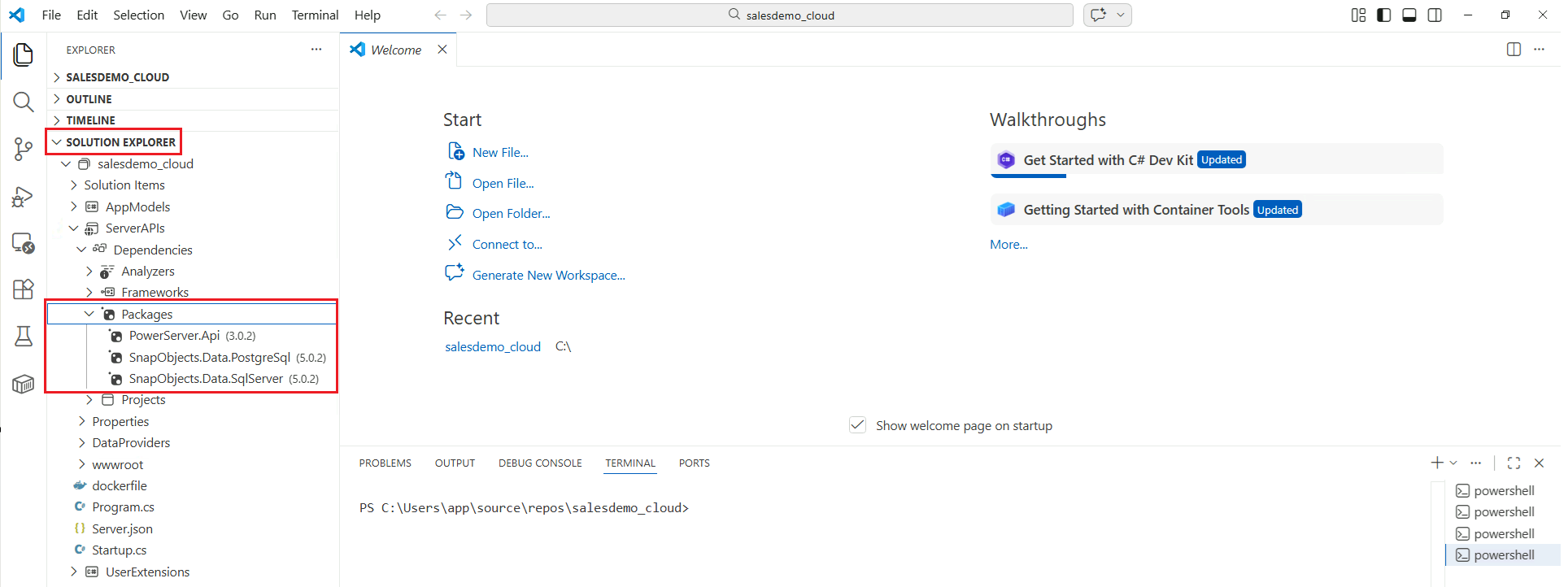
For detailed information about project management, please refer to the official documentation: https://code.visualstudio.com/docs/csharp/project-management.
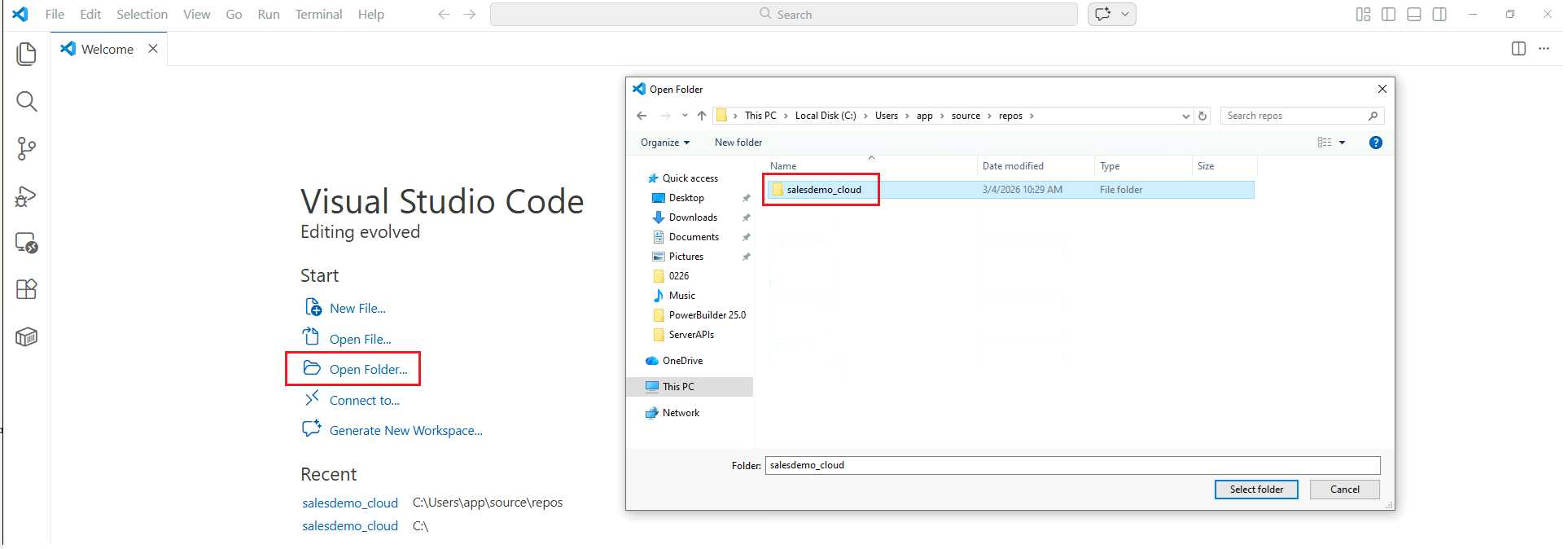
In Visual Studio Code, select Open Folder and choose the Web API solution folder (taking Example Sales App as an example).
After the folder is opened, the project will be loaded automatically and displayed in the SOLUTION EXPLORER.
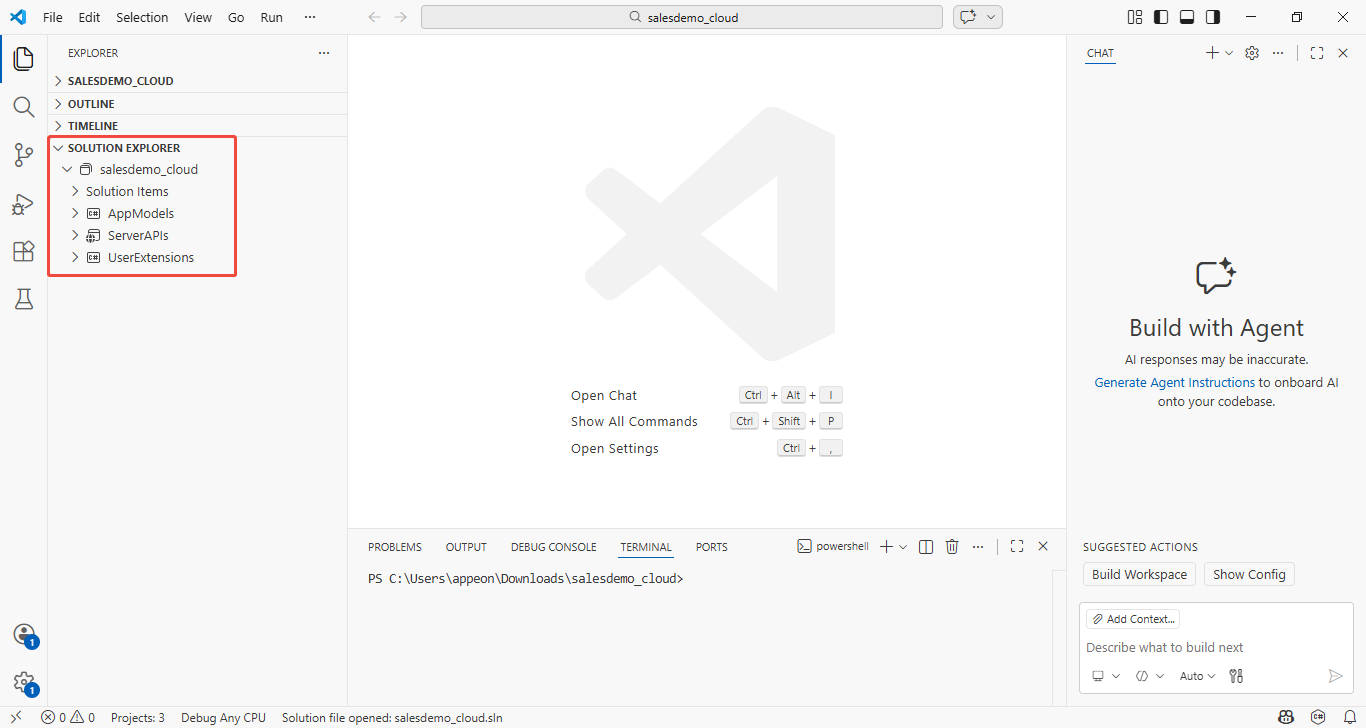
In the SOLUTION EXPLORER, you can perform common operations and manage project files.