

-
In Visual Studio, select File > Open > Folder.
-
Select the folder that contains the Web API solution.

-
After the folder is opened, Visual Studio automatically loads the solution and displays the project structure in Solution Explorer.
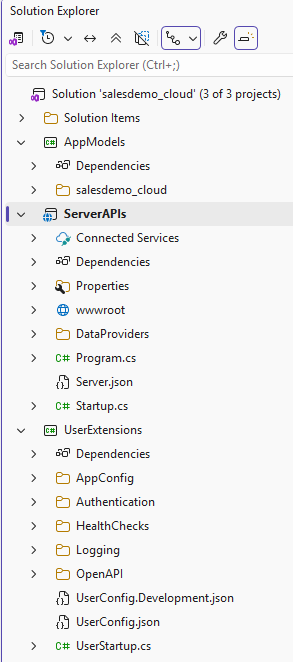
-
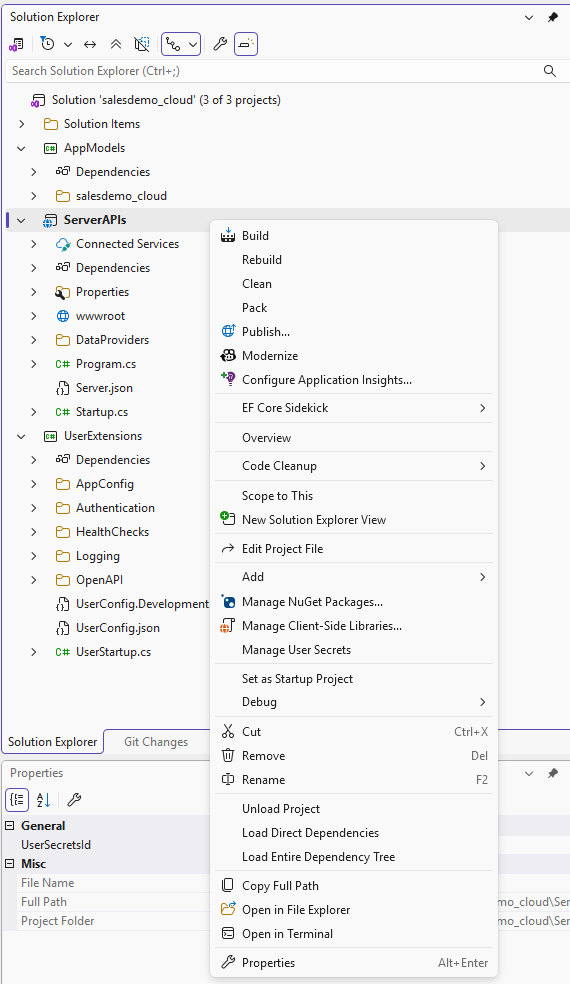
In Solution Explorer, you can perform the following common operations:
-
Manage project files
-
Add or remove projects
-
Configure project properties
-
Manage dependencies
-
Set the startup project
-
Build and publish the solution
-
