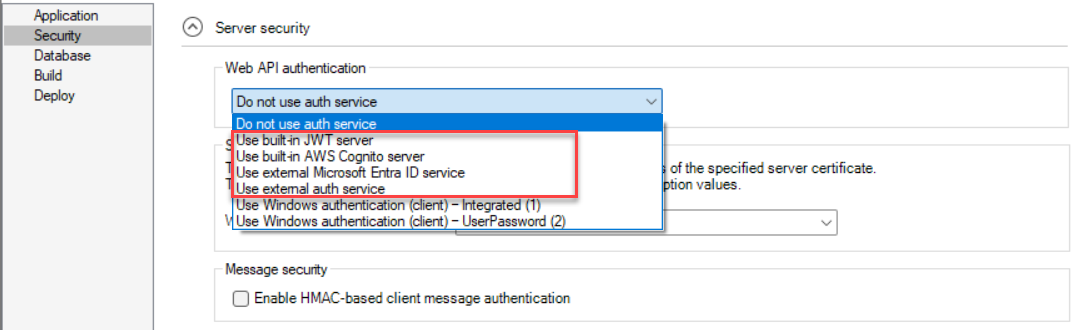
From the Web API authentication list, choose the authentication method to be used when the client accesses the PowerServer Web APIs.
You can choose to authenticate the request using the built-in authentication server. The PowerServer C# solution will automatically include the the built-in auth server or templates.
-
Do not use auth service: Provides no authentication (equivalent to anonymous access, users can access without providing credentials). This option is generally used for testing or for resources intended to be publicly accessible. It provides no security protection and should not be used in production unless required.
-
Use built-in JWT server: Includes the built-in authentication server that supports JWT or bearer tokens. See Authenticate > Using JWT for more information.
-
Use built-in AWS Cognito server: Includes the built-in authentication server that works with the Amazon Cognito user pool. See Authenticate > Using Amazon Cognito for more information.
-
Use external Microsoft Entra ID service: Includes templates that work with Microsoft Entra ID (formerly known as Azure AD or Azure Active Directory) or Azure AD B2C. See Authenticate > Using Microsoft Entra ID for more information.
-
Use external auth service: Includes templates that can be easily extended to support the other identity providers that work with the OAuth flows or JWT, such as Okta OIDC (OpenID Connect). See Authenticate > Using other auth servers for more information.