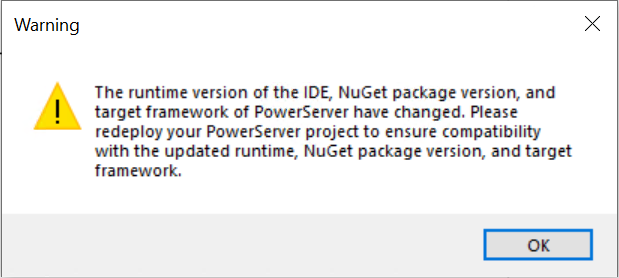
PowerServer installable cloud apps deployed in Version 2025 will have to be re-deployed in Version 2025 R2 by following steps below:
-
Select Tools > System Options in the PowerBuilder IDE; make sure the correct runtime version is selected on the General tab.
-
Open the PowerServer project object in the PowerBuilder IDE. The runtime version of the IDE, target framework, and NuGet package version referenced by the PowerServer project will be automatically upgraded to the current version.
-
Make sure the deployment mode is Full. To do that, in the PowerServer project painter, select the Build page, and select Full in Project build options.
-
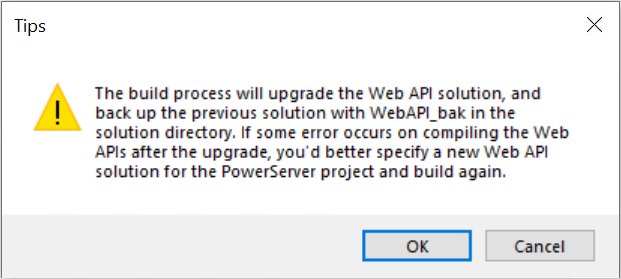
Deploy the PowerServer project using the Build & Deploy Project option in the PowerBuilder IDE.
Or, export the JSON build file and then re-deploy the project using PBAutoBuild. For how to export the build file and deploy with PBAutoBuild, see Build & deploy using commands.